
The best alternative to Walkme
Both WalkMe and Tango drive software adoption. The difference is how long it takes.
When speed and simplicity matter, teams turn to Tango to launch in days, not months, and start seeing value right away.


Tango and Walkme strengths
WalkMe is installed and implemented by enterprise IT teams to drive adoption. Tango is built for every team to drive adoption quickly, in the tools they already use.

Tango strengths

Walkme strengths

Designed for fast, self-serve adoption without requiring IT involvement

Quickly and easily capture process guides with Click-to-Capture and Voice Transcription

Turn any workflow into an embeddable video that automatically updates with just a single click

Document multiple paths in a single guide with Workflow Branching

Automatically detect and redact sensitive information during capture

Pin guides and tips directly in the tools your team is already using, no searching required

Turn any process into real-time automations

Conversational chatbot interface for triggering workflows (ActionBot)

Supports web, desktop, and mobile environments

Centralized in-app menu for accessing walkthroughs, resources, and support

Pop-up announcements displayed within the application (ShoutOuts)

Session replay and usage analytics across applications

Why Choose Tango?
You want immediate ROI from your software spend.

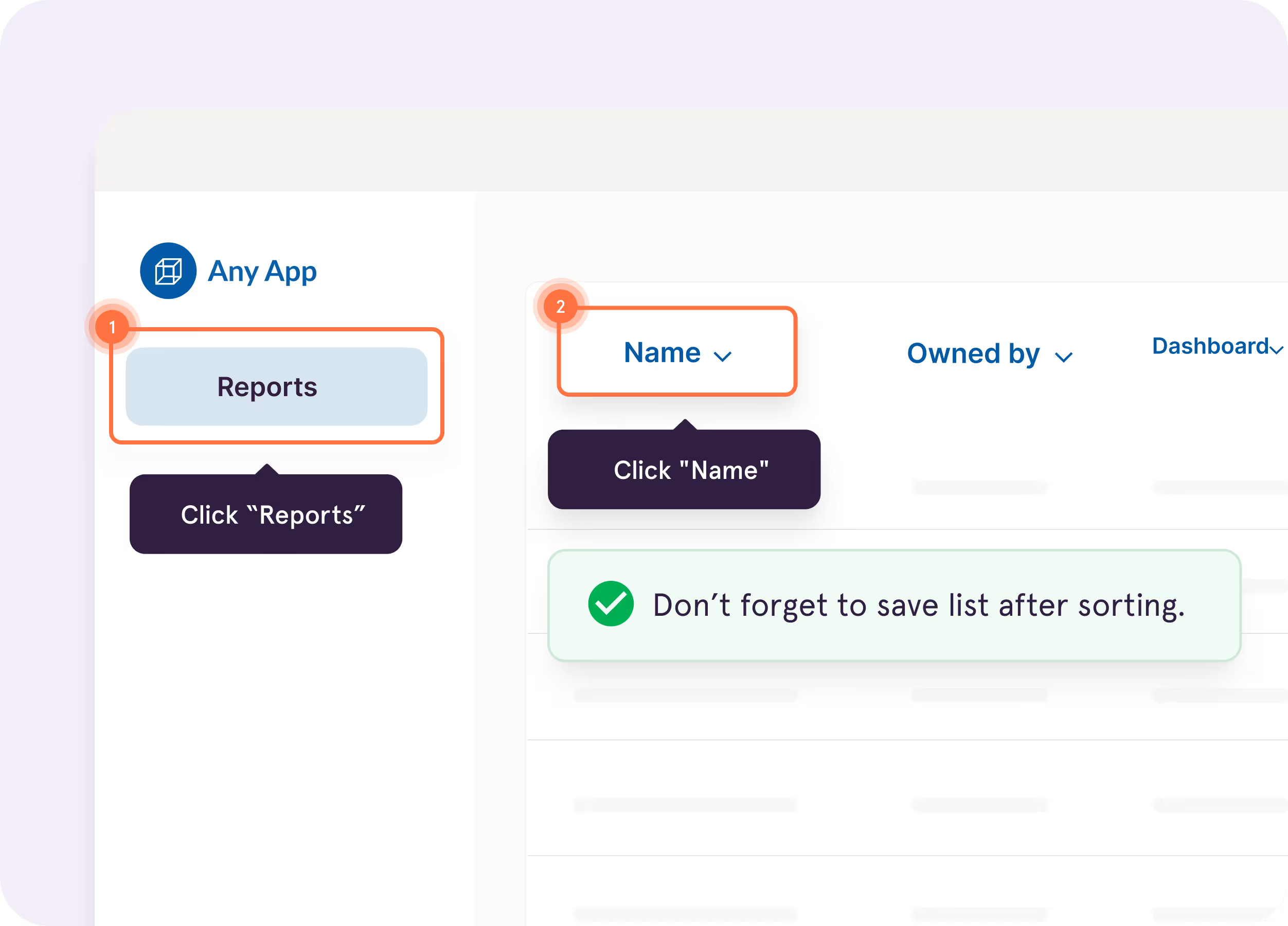
Tango Guide Me

Show users exactly where to click so they can easily follow processes across applications
Supports branching workflows for multiple paths in a single guide


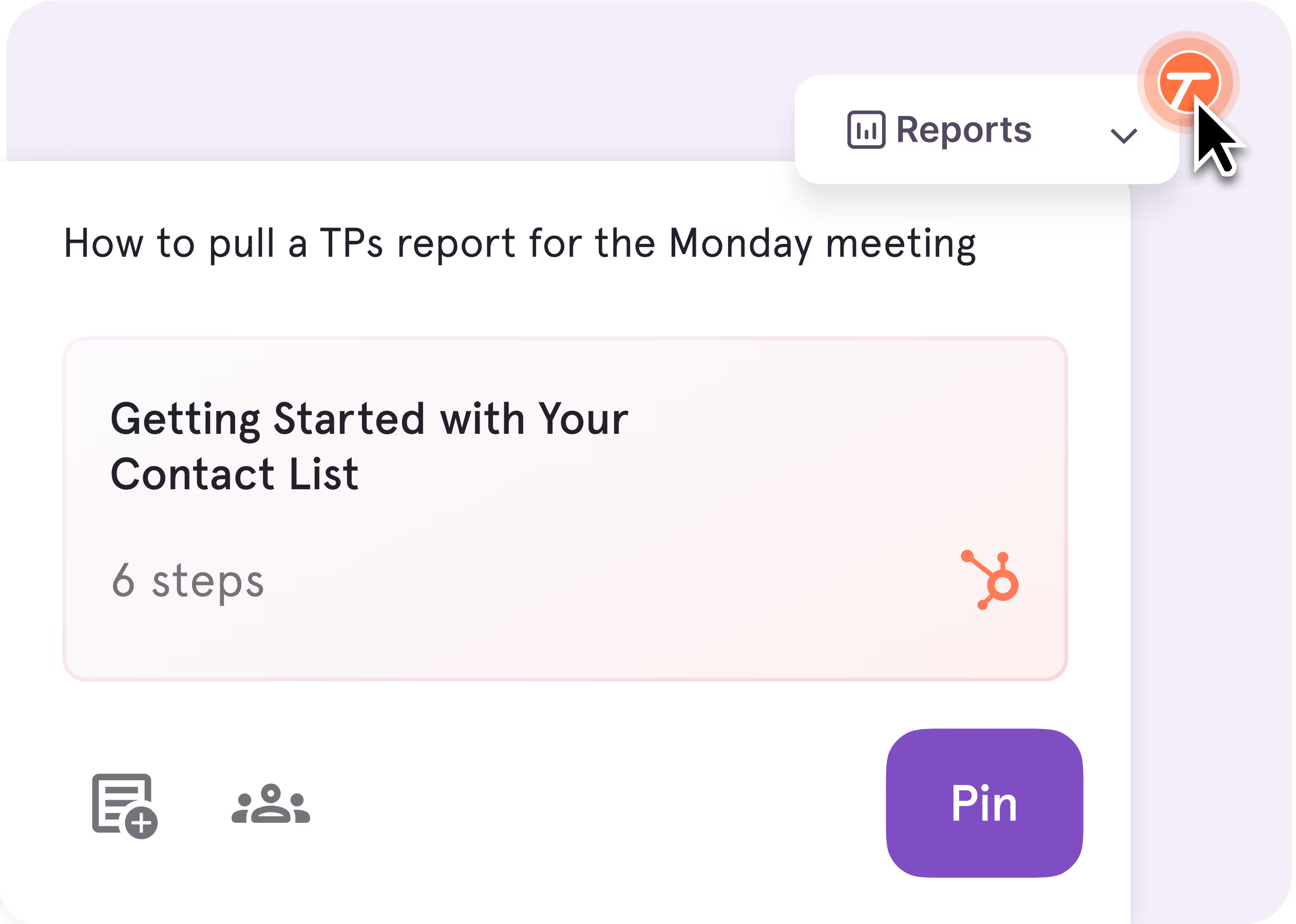
Tango Nuggets
Pin guides and tips exactly where employees need help—inside the tools they’re already using
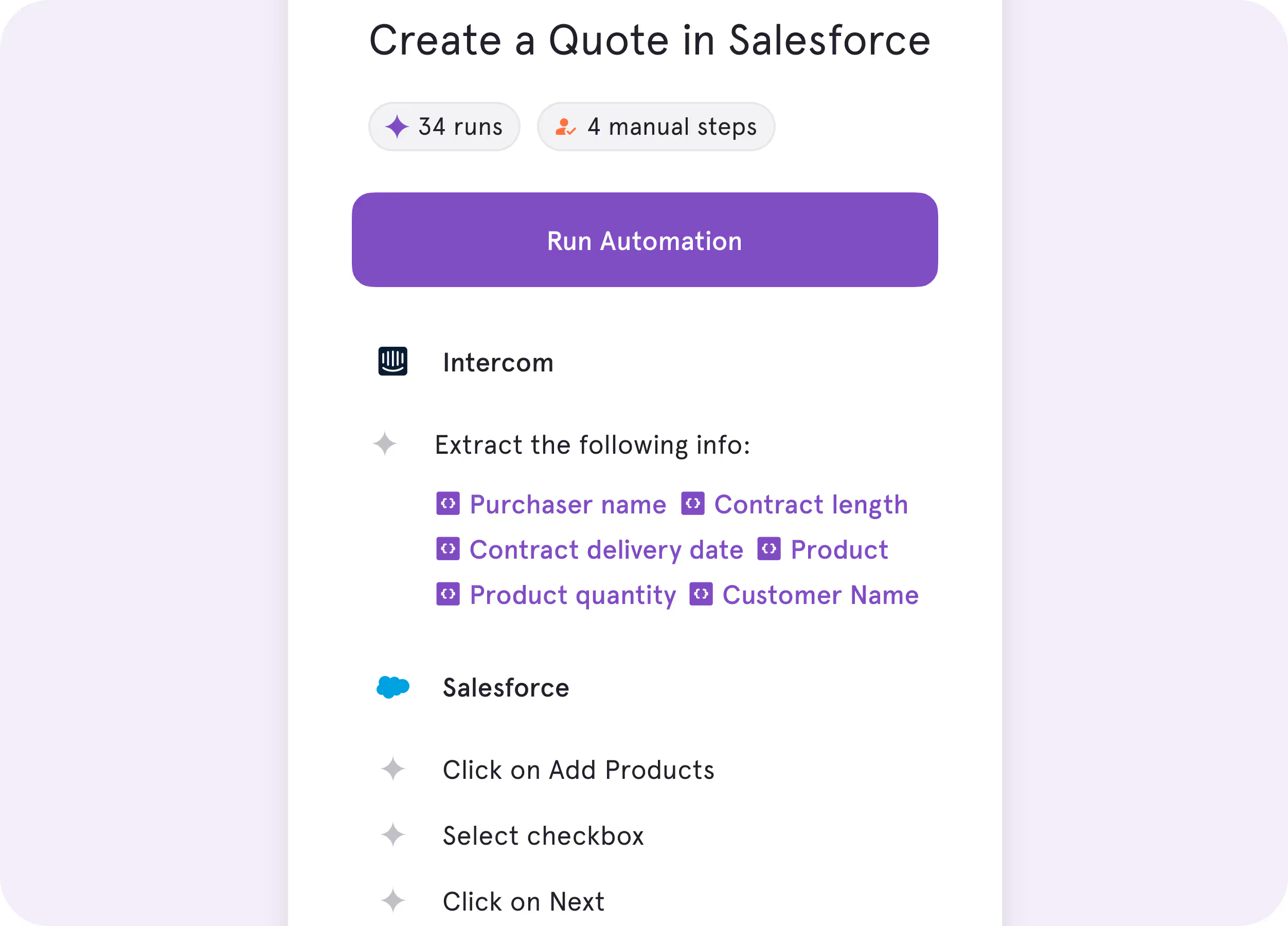
Tango Agents
Turn repetitive processes into real-time automations
No one wants to spend 15 minutes reading about a process when they could use that time to actually do the process.


See for yourself
Why Choose walkme?
You need enterprise-grade digital adoption and have the resources to support it.
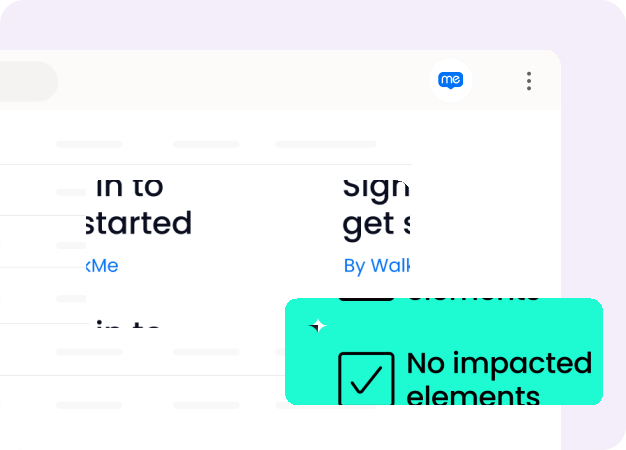
Real-time guidance overlaid on native desktop applications and legacy enterprise software

Layer configurable walkthroughs across web and desktop applications without modifying the underlying systems
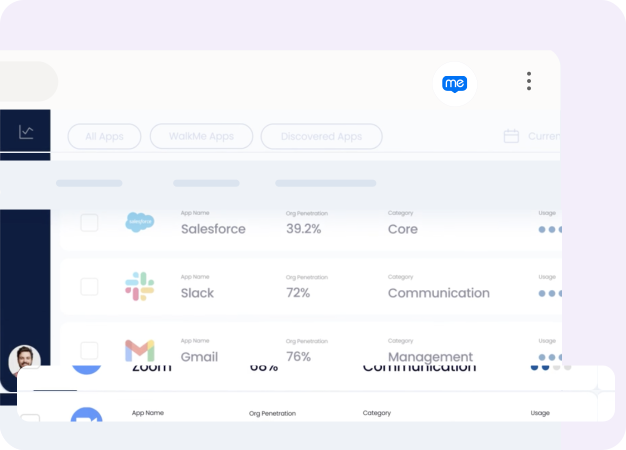
You need analytics on software usage across systems
Access usage reports across your enterprise applications.
Key Differences
Both tools help teams navigate software and adopt new processes.
Here's what makes them different.
Here's what makes them different.

Unique features
What happens to your processes after they’re created?
Walkme
IT-managed overlays with analytics across your broader tech stack.
Tango
Pin guides and tips directly in the software where people work.

End user experience
How does each tool actually help employees get their work done?
Walkme
Rule-based walkthroughs configured and maintained behind the scenes.
Tango
In-app, step-by-step guidance employees can access instantly—right where work happens.

Product roadmap
Where are engineering dollars going?
Walkme
AI-driven guidance and deeper enterprise ecosystem integrations.
Tango
In-app enablement and automation that turns documentation into action.

What’s in it for you
The TL;DR of the value you'll deliver to your organization.
Walkme
Structured adoption programs managed at the enterprise level.
Tango
Process documentation and in-app guidance any team can own and update, no admin or rollout required.
In six months with Tango, we improved access
to knowledge by 20% and employee satisfaction by 25%.
to knowledge by 20% and employee satisfaction by 25%.
What do Tango and Walkme have in common?
Capturing Documentation
Auto-generate step-by-step how-to guides with screenshots
Create cross-app workflows for business processes involving multiple tools on both web and desktop
AI-assisted content creation and step descriptions
Get help via in-app support, help center, and email (with a dedicated success manager for Enterprise plans)
Editing Tools
Advanced editing—update steps, annotate screenshots, and add tips and alerts
Customize documentation to follow your brand guidelines
Sharing
Set role-based permissions and control access
In-app guidance layered directly within software
Access analytics on guide views, engagement, and completion
Streamline your end user experience with single sign-on (SSO)
Trust your data privacy and security is taken seriously with SOC 2 Type II compliance
Compare Tango vs other popular tools
Jump to the comparison that's most relevant to you.
.png)

Our newest sales reps are correctly adopting our HubSpot
processes on their first day with Tango—much faster than previous
cohorts without it.
processes on their first day with Tango—much faster than previous
cohorts without it.
The GPS for processes
Top performing companies use Tango to accelerate knowledge sharing, process adoption, and software ROI.


With Tango, I get to make learning software feel like the Cadillac experience.
Chad, Customer Success Leader
See Tango’s
Software Knowledge Layer in action









