
Companies are investing heavily in AI tools, automation platforms, and copilots. But a consistent pattern shows up after rollout. Some workflows automate smoothly. Others break, stall, or require constant manual fixes.
The issue usually isn’t the AI itself. It’s the workflows behind it, or more often, the lack of them.
Most processes live in three places: someone's head, a Confluence page that hasn't been touched in months, and a Loom video nobody can find. That's a problem for new hires and AI systems alike. It breaks down the moment anyone, or anything, needs to follow the same process reliably.
Systems don't infer context. They need clear, well-defined instructions, and most documentation wasn't built to provide them.
This guide covers the best AI-ready workflow documentation tools, focusing on how each captures workflows that can be used as inputs for AI automation and AI agents.
Why do AI projects fail without workflow documentation?
AI projects fail when the underlying workflows are incomplete, inconsistent, or unclear. Most teams don't have a reliable source of truth. AI systems depend on:
- Clear step-by-step instructions
- Consistent process paths
- Defined inputs and outputs
A 2025 McKinsey survey found that nearly 80% of organizations deploying generative AI are layering it on top of existing processes without redesigning workflows. Only 21% have actually rethought how work flows. That gap is where most AI initiatives stall.
Even small gaps, like a missing step or unclear decision point, can cause failures that compound over time. This is why pilot projects rarely make it to full production.
Key takeaway: AI is only as reliable as the workflows it’s built on.
What makes a workflow “AI-ready”?
An AI-ready workflow is a structured, step-by-step process that captures how work is actually performed, with enough detail and context for systems to interpret and execute it reliably.
Most documentation explains workflows. AI-ready workflows go further by defining how the work is actually performed.
An AI-ready workflow typically includes:
- Step-by-step completeness
Every action is captured from start to finish, including edge cases and variations - Structured format
Workflows follow a consistent format instead of freeform notes or long text - System-level context
The workflow includes details about how actions are performed, such as fields used, actions taken, and systems involved - Decision logic
Conditions, exceptions, and rules are captured alongside the main process - Reusability
The workflow can be used across training, automation tools, and AI systems
Without this level of detail, documentation becomes difficult to reuse for automation or AI.
Key takeaway: AI-ready workflows are instructions a system can act on, not summaries a person reads.
What features should you look for in workflow documentation tools for AI?
Not all documentation tools are designed for automation or AI use cases. If workflows are going to be reused beyond training, the quality and detail of the output matter.
Key features to look for include:
- Automatic workflow capture
Workflows are captured as they happen, reducing gaps and improving accuracy - Step-level detail
Each action is clearly documented, including the steps needed to complete a task - System-level context
The workflow reflects how tasks are performed inside tools and applications, not just what to do - Structured and consistent format
Workflows follow a repeatable format that can be used across teams and systems - Reusability across tools and teams
Workflows can be shared and reused across teams, tools, and use cases without needing to be recreated
These features determine whether documentation can support automation and AI initiatives over time.
Comparison table: The best AI workflow documentation tools
What are the best workflow documentation tools for AI automation?
The tools below span workflow capture, process documentation, and workflow systems.
1. Tango
Best for AI-ready workflow documentation
G2 Rating: 4.7/5 (496 reviews)
Pricing: Free plan available; paid plans from $15/user/month
Overview:
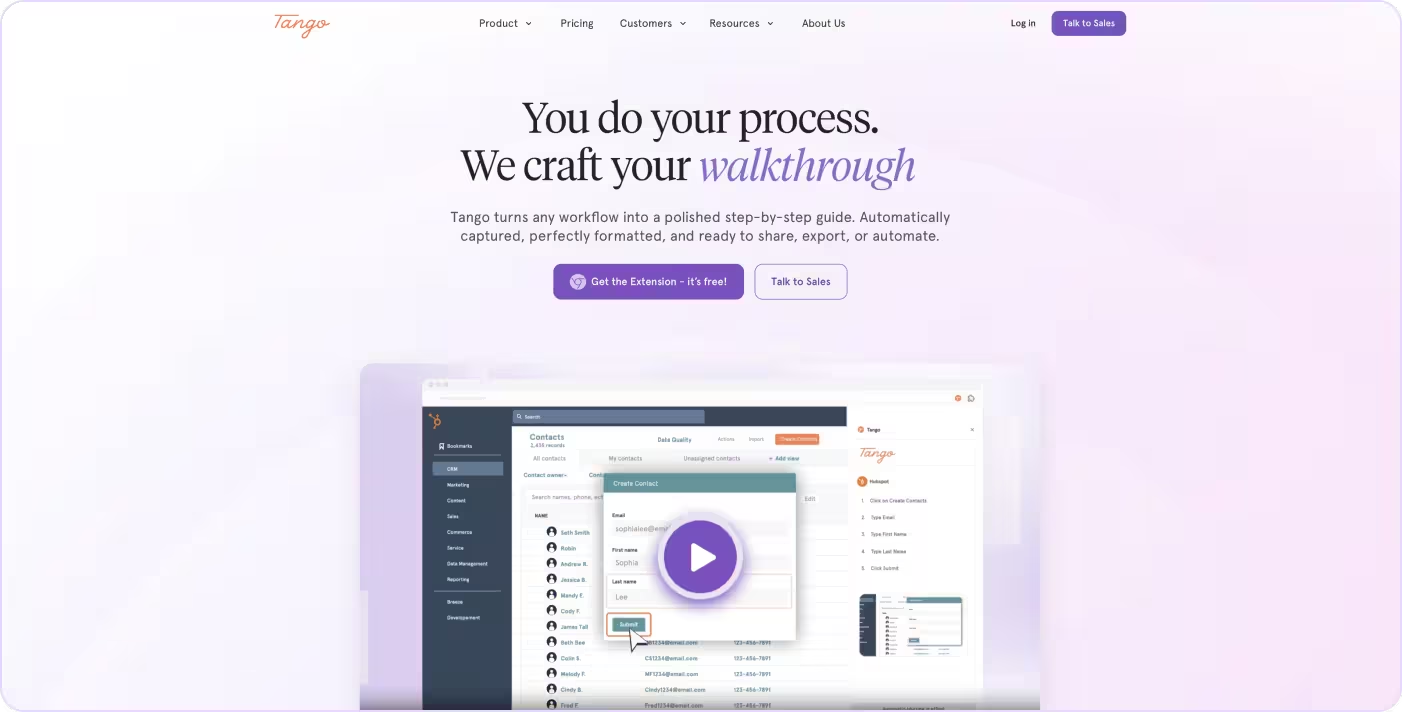
Tango is a workflow documentation tool that automatically captures processes as you complete them, turning how work is performed into structured, step-by-step guides. Built for both people and systems, each workflow carries structured metadata, including XPaths, CSS selectors, and step-level annotations, that describes exactly how actions are performed inside software.
That's the layer most documentation tools don't capture, and what AI agents and automation platforms need to execute reliably. For teams building toward AI-ready documentation and automation, Tango workflows can be exported as agent instructions or executable Skill files, moving from documented process to deployable automation without rebuilding from scratch.
Key Features:
- Automatically captures workflows as you work
- Step-by-step guides with screenshots
- Structured, machine-readable outputs for AI agent consumption
- Export workflows as agent instructions or executable Skill files
Ideal Use Case:
Teams that need workflows captured with the structure and metadata AI agents, automation platforms, and copilots can use for automation.
2. Guidde
Best for AI-generated video walkthroughs
G2 Rating: 4.8/5 (82 reviews)
Pricing: Free plan available; paid plans from $19/user/month

Overview:
Guidde is a workflow documentation tool that turns processes into AI-generated video tutorials with voiceovers and visual walkthroughs.
Key Features:
- AI-generated video guides
- Voiceovers and visual walkthroughs
- Screen recording and editing tools
Ideal Use Case:
Teams that need visual, video-first documentation for product training, customer education, and onboarding flows.
3. Whale
Best for SOP standardization across teams
G2 Rating: 4.8/5 (198 reviews)
Pricing: Free plan available; paid plans from $99/month
Overview:
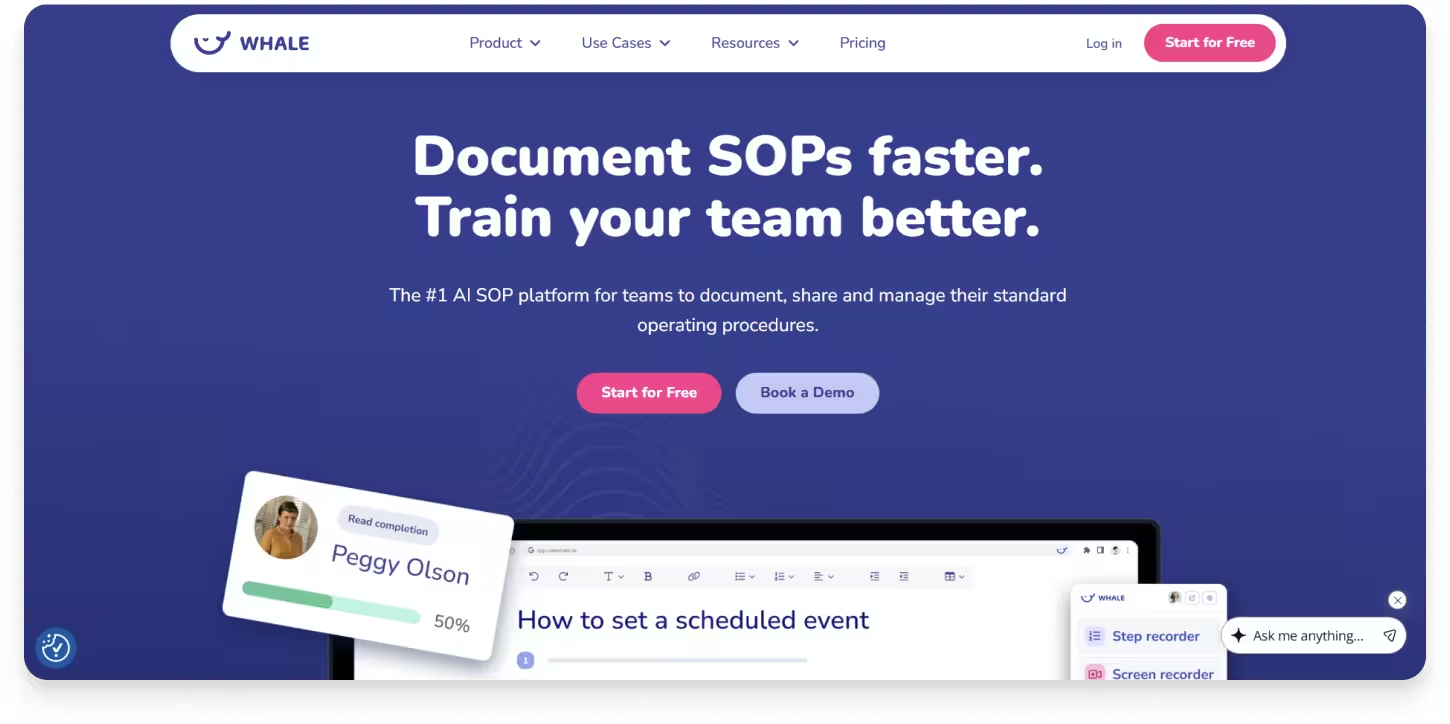
Whale is a process documentation platform focused on creating, managing, and standardizing standard operating procedures (SOPs) across teams, providing a centralized system for documenting and managing workflows.
Key Features:
- SOP documentation and templates
- Centralized knowledge base
- Training and onboarding tools
Ideal Use Case:
Organizations standardizing operational SOPs across teams, with a focus on training, role clarity, and process consistency.
4. Trainual
Best for employee training and onboarding
G2 Rating: 4.7/5 (1,041 reviews)
Pricing: Contact for pricing

Overview:
Trainual is a documentation and training platform that helps teams organize company processes, policies, and knowledge in one place.
Key Features:
- Centralized documentation and knowledge base
- Role-based content organization
- Training tracking and completion metrics
Ideal Use Case:
Growing companies managing structured onboarding, role-based training, and internal knowledge at scale.
5. Notion
Best for flexible documentation and team knowledge
G2 Rating: 4.6/5 (12,143 reviews)
Pricing: Free plan available; paid plans from $10/user/month
Overview:
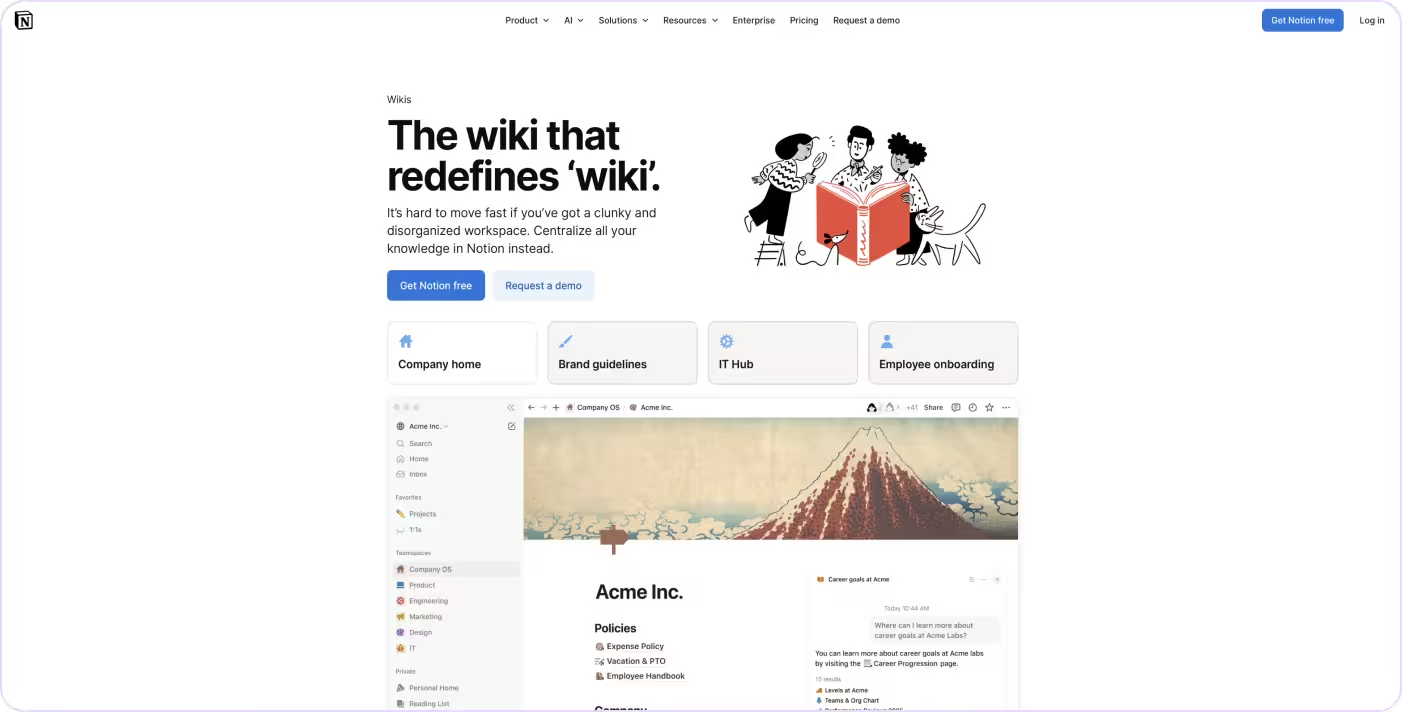
Notion is a flexible workspace that combines documentation, knowledge management, and collaboration. Teams use it to organize processes, notes, and internal documentation.
Key Features:
- Flexible page and database structure
- AI-assisted writing and editing
- Collaboration and knowledge sharing
Ideal Use Case:
Teams that want a flexible, all-in-one workspace combining documentation, notes, databases, and project management in a single tool.
6. Confluence
Best for enterprise team wikis and knowledge management
G2 Rating: 4.1/5 (4,363 reviews)
Pricing: Free plan available; paid plans from $6.70/user/month

Overview:
Confluence is Atlassian's team workspace for documentation, knowledge management, and collaboration. Teams use it to create wiki-style pages, organize content into spaces, and centralize project documentation across the organization.
Key Features:
- Wiki-style pages organized into team and project spaces
- Templates for documentation, meeting notes, and project planning
- Native integration with Jira and the broader Atlassian suite
Ideal Use Case:
Engineering and cross-functional teams that need a centralized wiki for project documentation, technical specs, and team knowledge.
7. Document360
Best for structured knowledge bases and help centers
G2 Rating: 4.7/5 (525 reviews)
Pricing: Free plan available; paid plans contact for pricing

Overview:
Document360 is a knowledge base platform built for creating internal documentation, customer help centers, and self-service support content.
Key Features:
- Category-based content organization with versioning
- AI-powered search and writing assistance (Eddy AI)
- Review workflows and content performance analytics
Ideal Use Case:
Customer support and product teams building self-service help centers, internal documentation portals, and structured product knowledge bases.
How do AI agents use workflow documentation?
AI agents rely on workflow documentation as a source of actionable instructions. Workflow documentation gives AI systems what they need to:
- Identify automation opportunities
Highlight repetitive or manual steps that can be automated - Generate agent instructions
Provide a clear sequence of actions for AI tools or copilots to follow - Standardize execution across systems
Ensure tasks are performed consistently, regardless of who or what is completing them - Support more reliable outputs
Make outcomes more consistent by following defined workflows
The quality of the workflow matters. High-level or inconsistent documentation leaves room for interpretation, which can lead to unreliable results.
Workflows captured as you complete them tend to be more accurate and reliable, making them more useful for automation and AI.
How do you choose the right workflow documentation tool for AI automation?
The right tool depends on how you plan to use your workflows, and whether they need to work for people, systems, or both.
If your goal is documentation and training, many tools on this list will work well. Platforms focused on SOPs, onboarding, or knowledge sharing are often enough for those use cases.
If your goal is AI automation, the criteria changes.
When evaluating tools, focus on:
- How workflows are captured
Are workflows created manually, or captured directly from real usage? - Level of detail
Do workflows include step-by-step actions or just high-level summaries? - Structure and consistency
Are workflows formatted consistently enough to work across systems? - System-level context
Does the documentation reflect how tasks are actually performed inside tools? - Reusability
Can workflows be used beyond documentation, including automation and AI tools?
The difference isn’t just how workflows are documented. It’s whether they can be used.
The bottom line
Workflow documentation is becoming the foundation for how AI systems understand and execute work. Not every documentation tool is built for that.
The tools in this guide take different approaches. Capture-based tools (Tango and Guidde) generate documentation from real workflows. Knowledge management platforms (Notion, Confluence, and Document360) organize information for people. Training platforms (Trainual and Whale) standardize processes and operational knowledge.
All three approaches have their place. But if your goal is AI automation, the most important question is whether your documentation reflects how work is actually performed and whether AI systems can use it.
Tango automatically captures real workflows and turns them into structured, step-by-step documentation that supports both people and AI agents.
The best AI workflows don't start with better prompts. They start with better documentation.
FAQs
What is AI workflow documentation?
AI workflow documentation is process documentation that's structured so both people and AI systems can understand and use it. It captures the steps, decisions, context, and sequence of a workflow in a format that can support automation, AI agents, and employee guidance.
What is the best AI workflow documentation tool?
The best tool depends on how you create documentation. Platforms like Tango automatically capture workflows as they're performed, while tools like Notion and Confluence organize existing knowledge. If your goal is AI automation, look for a platform that creates structured, up-to-date documentation directly from real workflows.
Can AI create workflow documentation?
Yes. Many modern workflow documentation tools use AI to generate step-by-step guides, descriptions, summaries, and documentation from completed workflows. The most effective tools combine AI with real workflow capture so documentation reflects how work is actually performed.
Why is workflow documentation important for AI automation?
AI systems can only automate processes they understand. Accurate workflow documentation provides the structure, context, and sequence AI agents need to complete tasks consistently. Without reliable documentation, AI automation often produces inconsistent or incomplete results.
How do I make my workflow documentation AI-ready?
Start by documenting workflows as they're actually performed rather than writing procedures manually. Keep documentation current, organize it consistently, and capture enough detail for both employees and AI systems to understand each step. Documentation that's accurate, structured, and regularly maintained is far more useful for AI automation than static or outdated SOPs.